 FitPulse
Android · Free, all of it
One screen. Everything you track.
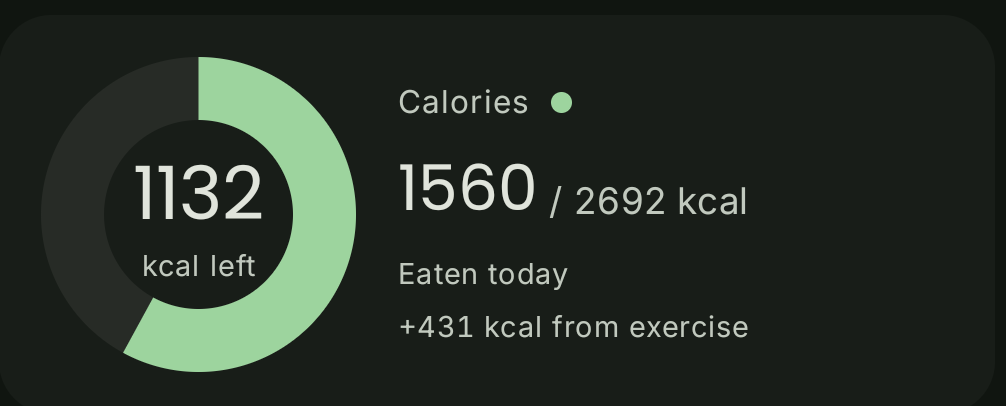
Calories, water, macros, sleep, fasting and weight, all in one place. Keep the cards you use. Hide the rest. Nothing costs anything.
Food diary
Barcode & photo
Fasting
Sleep
Progress photos
Three steps
Under a minute to start
Set up once, then log and forget
01
Set your targets
Height, weight, activity, goal. Calories and macros come back calculated, and you can overwrite any of them.
02
Log the meal
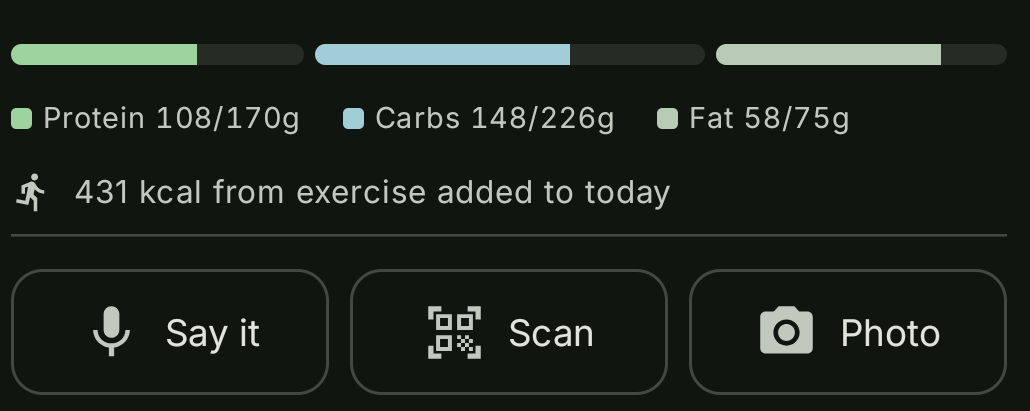
Say it, scan the barcode, or shoot the plate. Breakfast, lunch and dinner each keep their own subtotal.
03
Watch the trend
A moving average sits over the daily weight line. Photos group by month. Measurements carry their own history.
Four tabs
Scroll through the app
01 — HOME
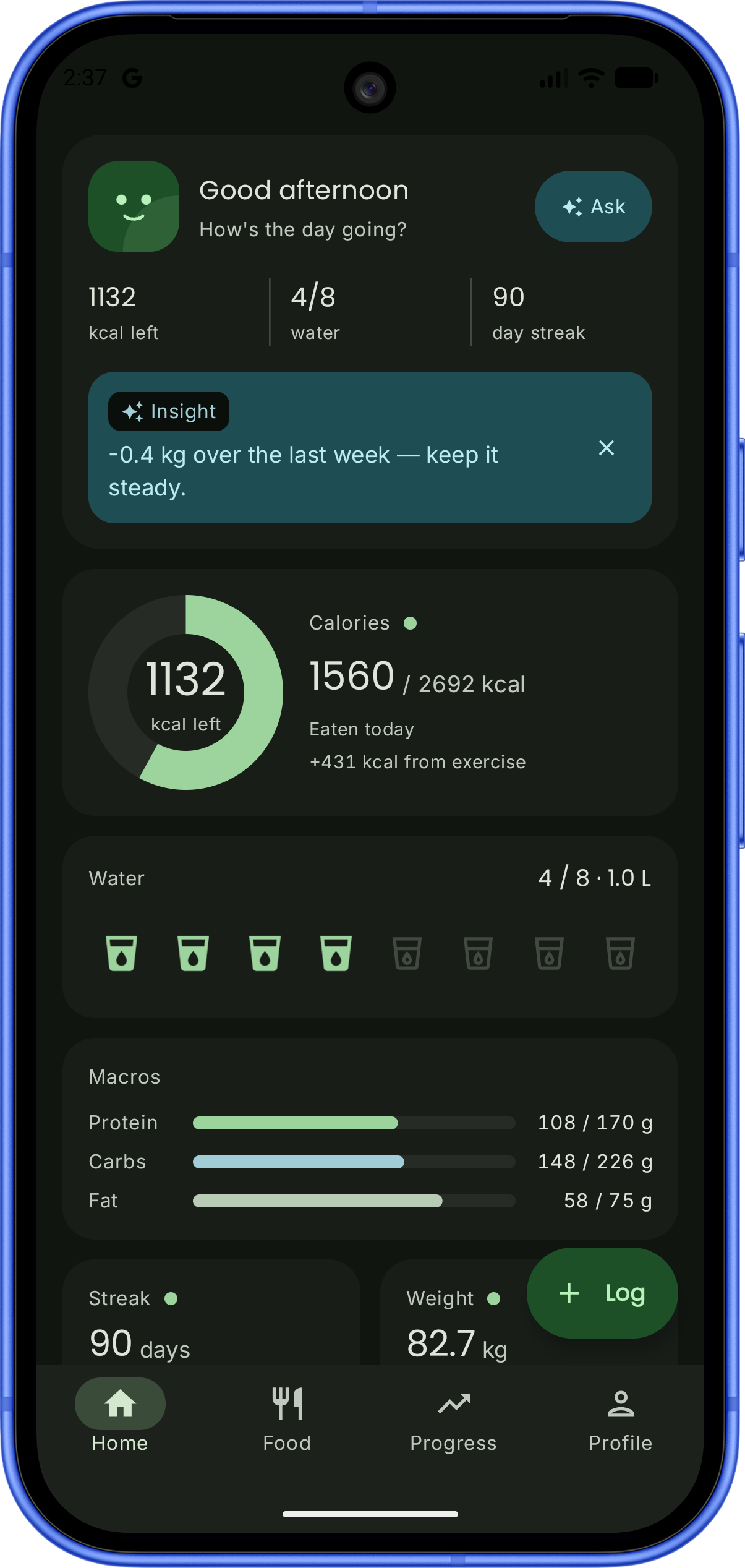
A dashboard you arrange
Calories, water, macros, sleep, fasting, streak and weight are separate cards. Reorder them, or hide the ones you don't track.
02 — FOOD
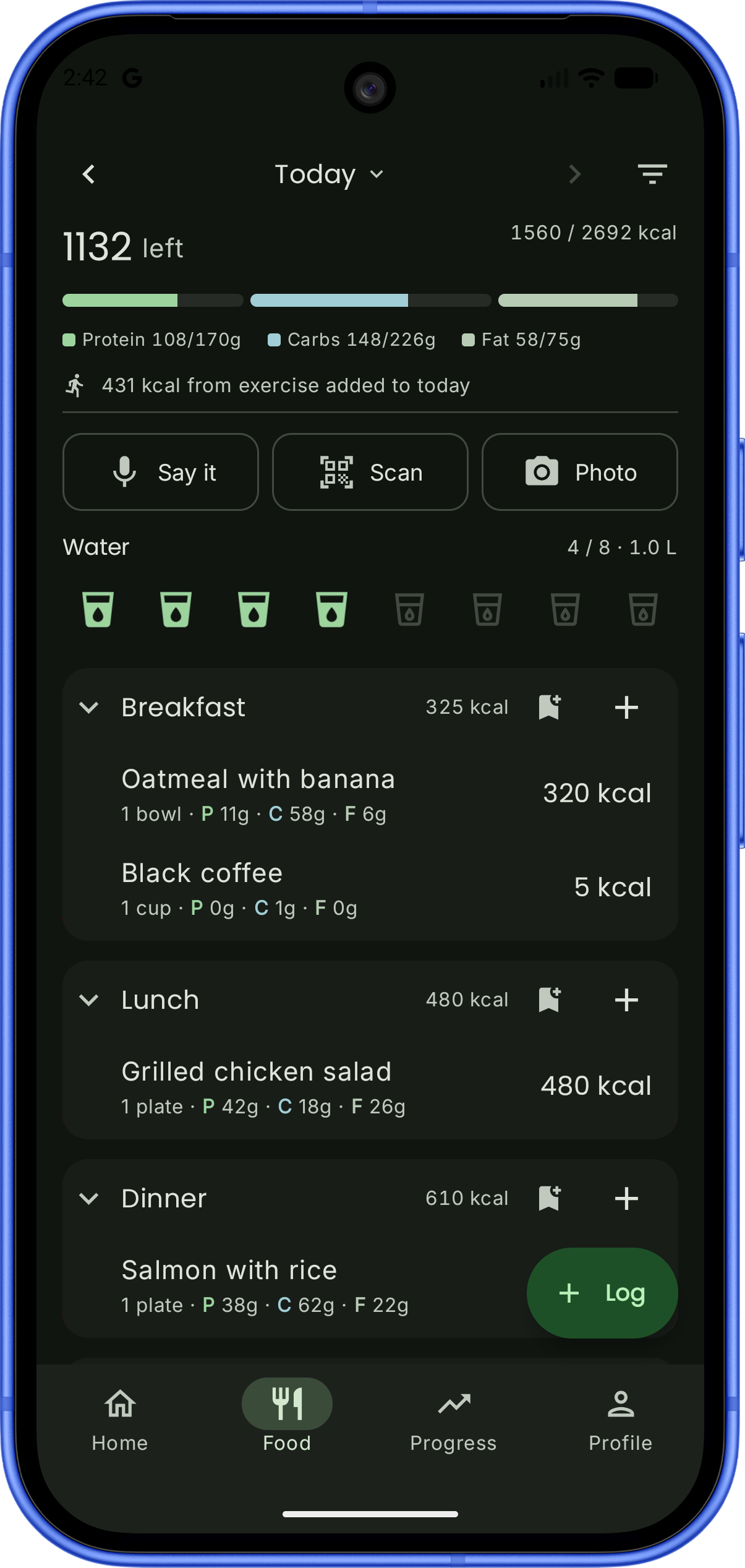
Log a meal in seconds
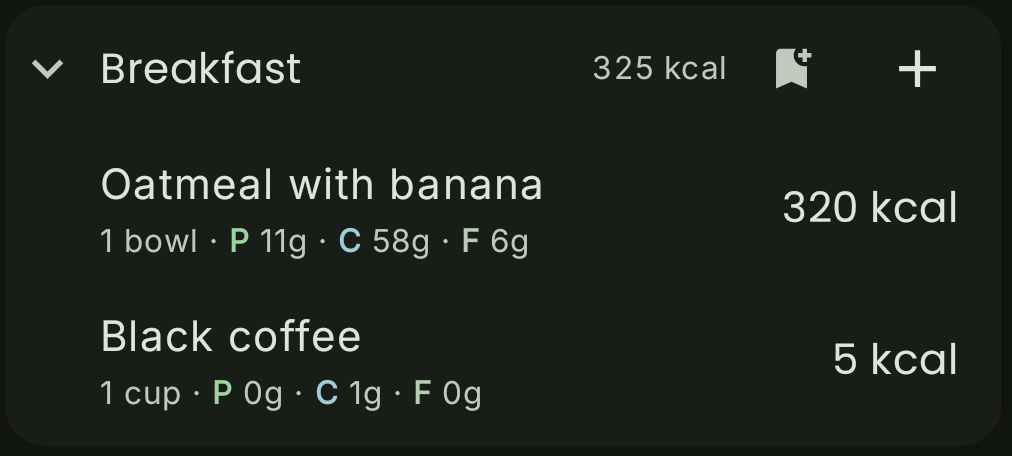
Search it, scan the barcode, or photograph the plate. Entries fall into breakfast, lunch and dinner with a running subtotal for each.
03 — PROGRESS
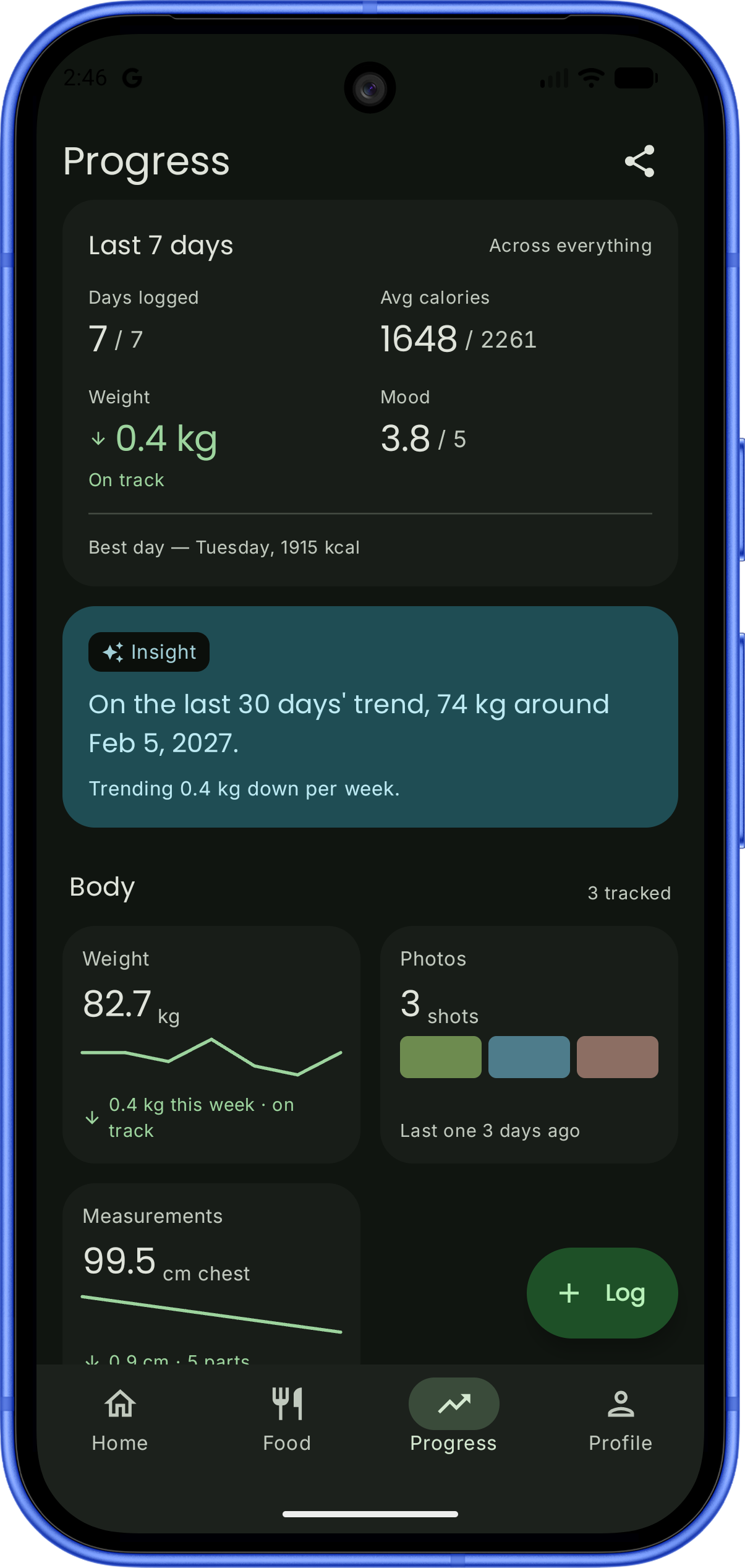
The trend, not the noise
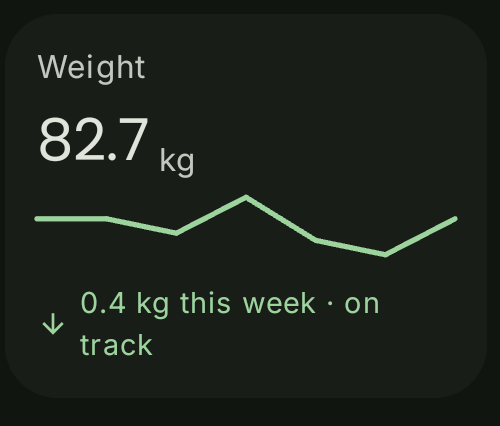
A weight chart with a moving average and your goal line, progress photos grouped by month, and body measurements with sparklines.
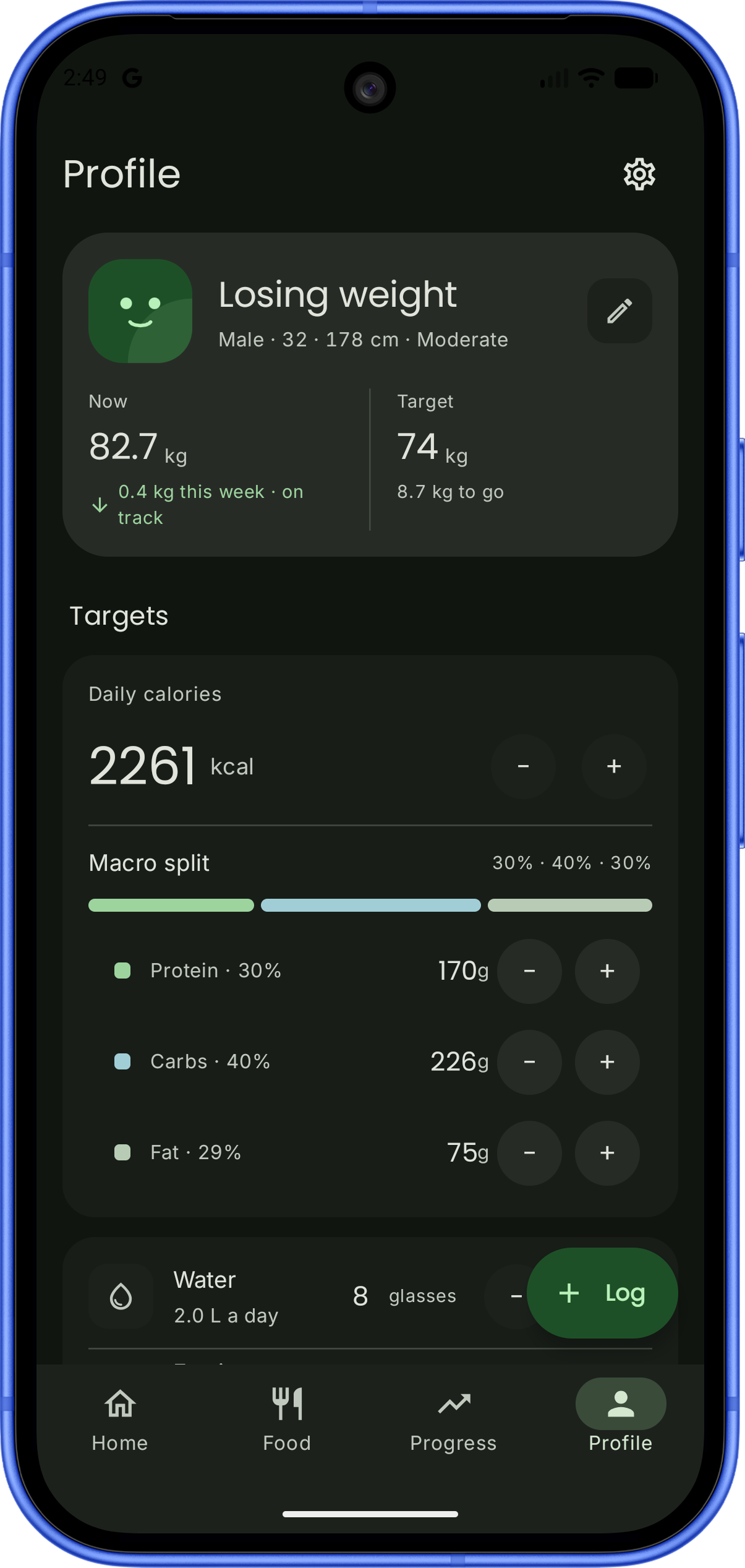
04 — PROFILE
Targets you can change
Calorie and macro targets come from your height, weight, activity and goal — and stay editable. Units, reminders and data export live here too.
Up close
The pieces you'll touch every day
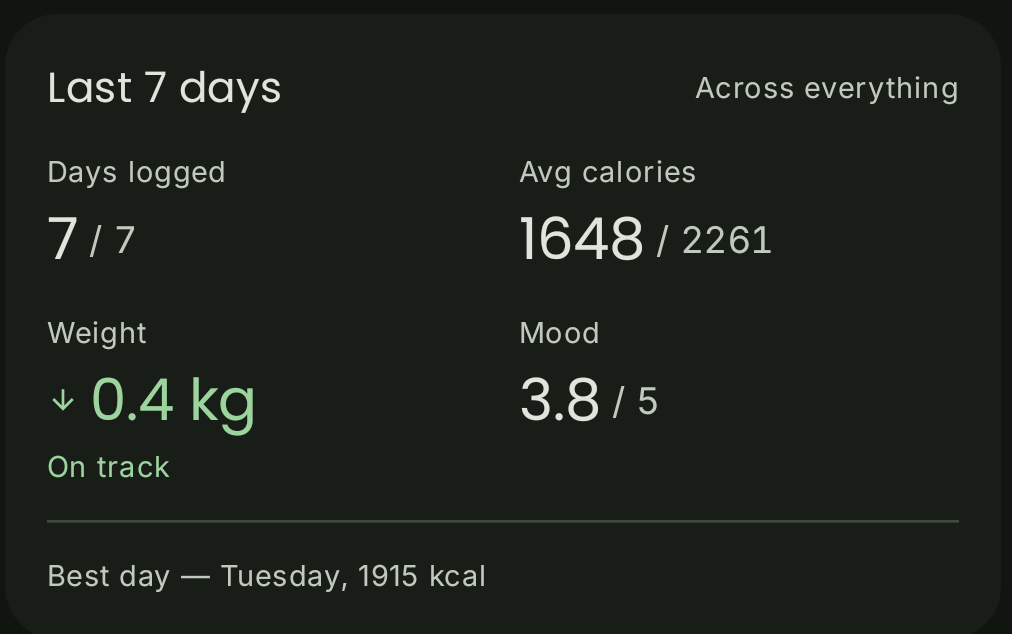
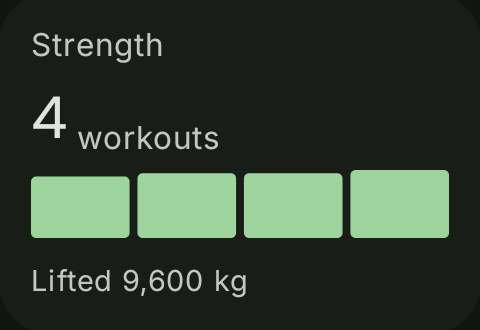
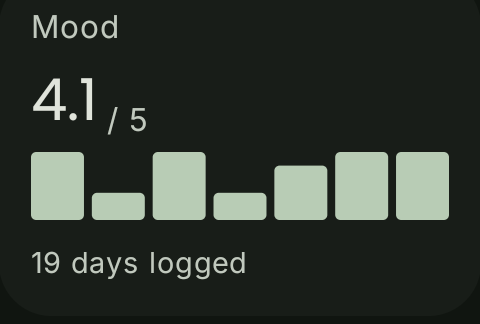
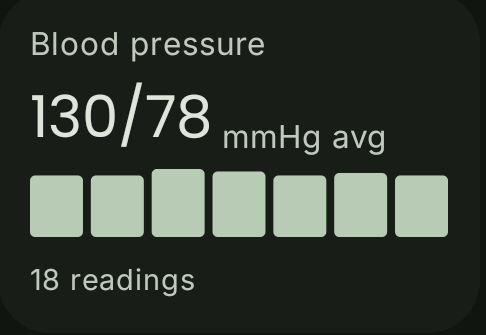
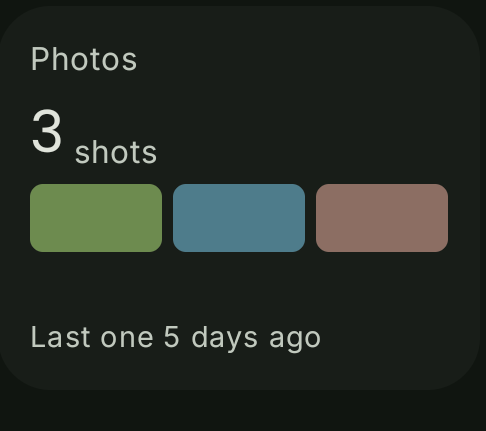

Built for the parts of tracking people quit over
Photo and barcode logging
Point the camera at a plate and confirm the estimate, or scan a label. Every number stays editable before it's saved.
Water, sleep and fasting
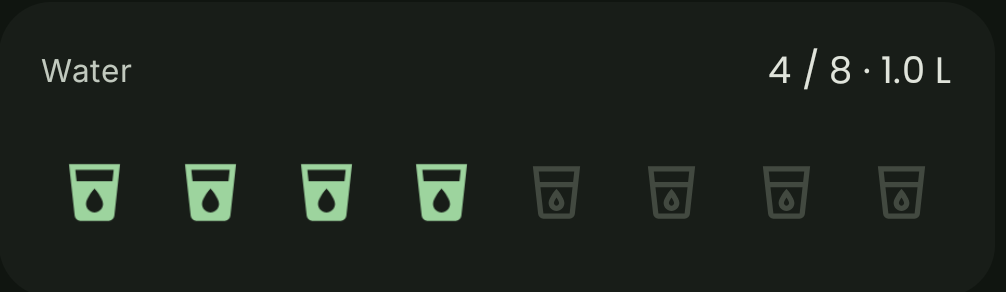
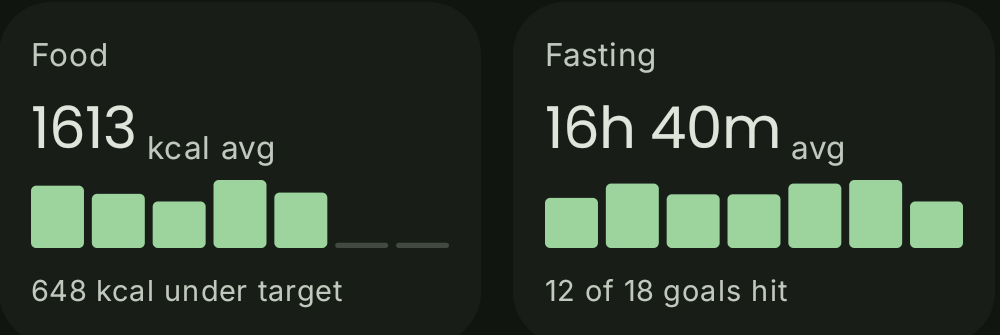
One tap fills a glass. Sleep stages come straight from your watch, and the fasting timer keeps running in the background.
Weight without the whiplash
A moving average sits over the daily line so one heavy dinner doesn't read as a setback.
Progress photos, side by side
Photos group by month. Pick any two and compare them with the weight change between them.
Measurements that count
Chest, waist, hips, arms, thighs — each with its own history and inline sparkline. Add only the parts you care about.
A read on your week
Short insights drawn from what you logged, on the Home screen. Dismiss one and it stays gone.
Settings does more than you'd think
The app bends to how you track: what shows on Home, what it reminds you about, where the data goes, and who keeps you company while you log.
All of it optional
Pick a buddy, pick a colour
Bibo, Pip, Zed, Momo or Sprig sits with your log and reacts to the day. Choose the shade they all wear, from soft green to near-black.
Bibo
Pip
Zed
Momo
Sprig
Colour
Cards on Home
Choose which ones show, and in what order. Hide the metrics you don't track.
Reminders you control
Meal logging, weigh-ins, water, fasting and the weekly recap — each on its own switch.
Google Health, both ways
Import workouts, weigh-ins and sleep; send your food and water back out.
Export and import JSON
Take your profile and food entries with you, or bring a log back in to replace what's there.
Automatic backup
Saved in the background, restorable from Settings if a phone goes missing.
Photos stay on the phone
Progress photos are never part of an export and never leave your device.